
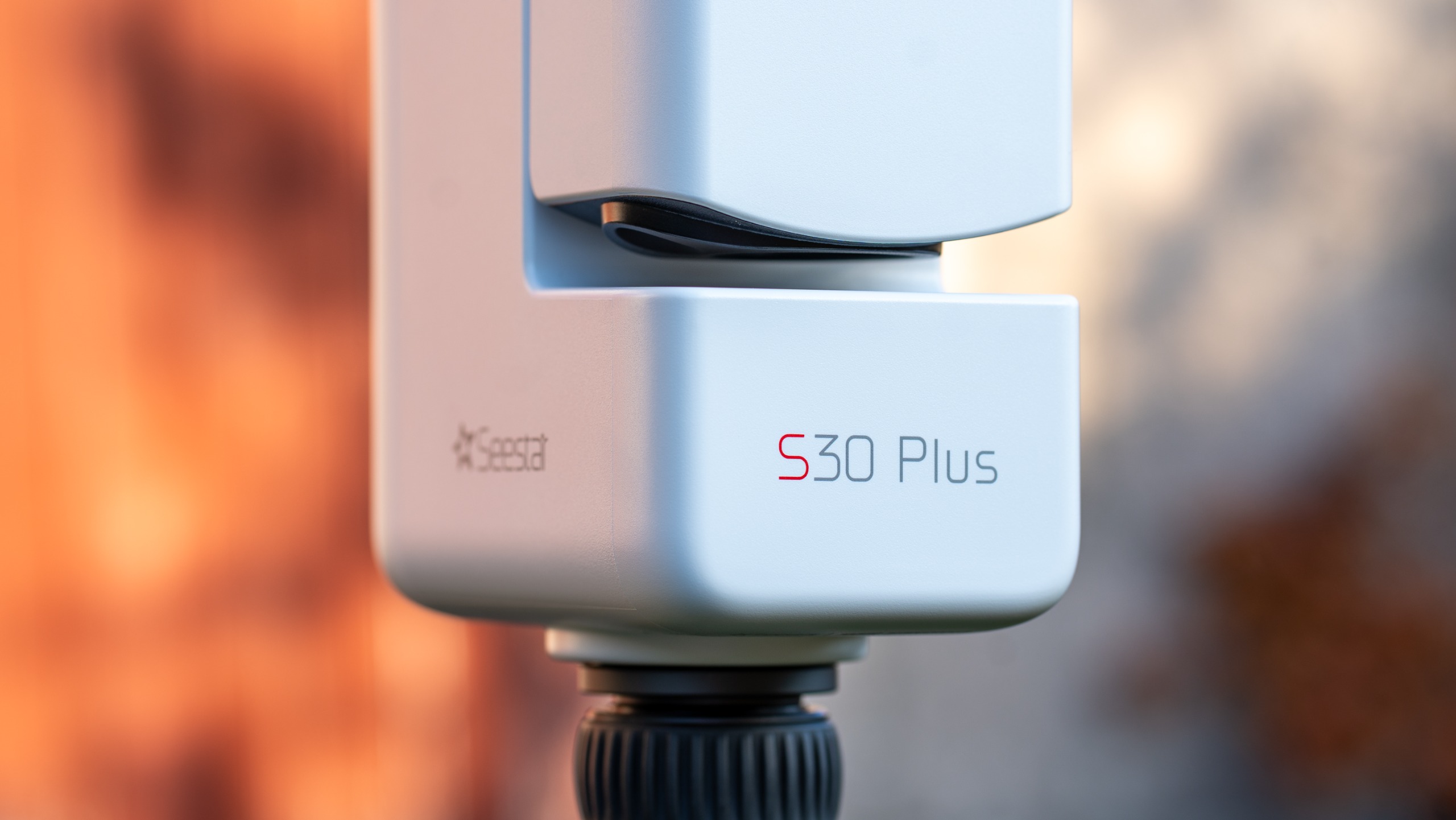
ZWO has just released the newest member of its smart telescope range: the Seestar S30 Plus. This all-in-one smart telescope is designed for beginners and hobbyists who want an affordable way into astrophotography that won’t leave you scratching your head, and lets you capture, process and share your images in one simple workflow. It sits between the Seestar S30 and S30 Pro, and is priced at $499 for its release.
With 2K image quality, a light pollution filter and a user-friendly interface, it’s a smart telescope that anyone can enjoy, regardless of your experience level, and regardless of whether you’re shooting from your city balcony or a dark sky site. Like the other models, it uses dual cameras to capture a wide range of subjects, including deep-sky objects with the telephoto camera, and constellations, star trails and the Milky Way with the wide-angle camera. It’s lightweight and easy to travel with, and it even comes with a separate solar filter for solar imaging and eclipse time-lapses.
We got our hands on an advance copy to test ahead of its release, so we put it through its paces on several different celestial subjects.
Design & Setup
(Image credit: Kimberley Lane)


- Quick and easy set-up
- Comes with carry case, tripod and solar filter
- Lightweight and easy to transport
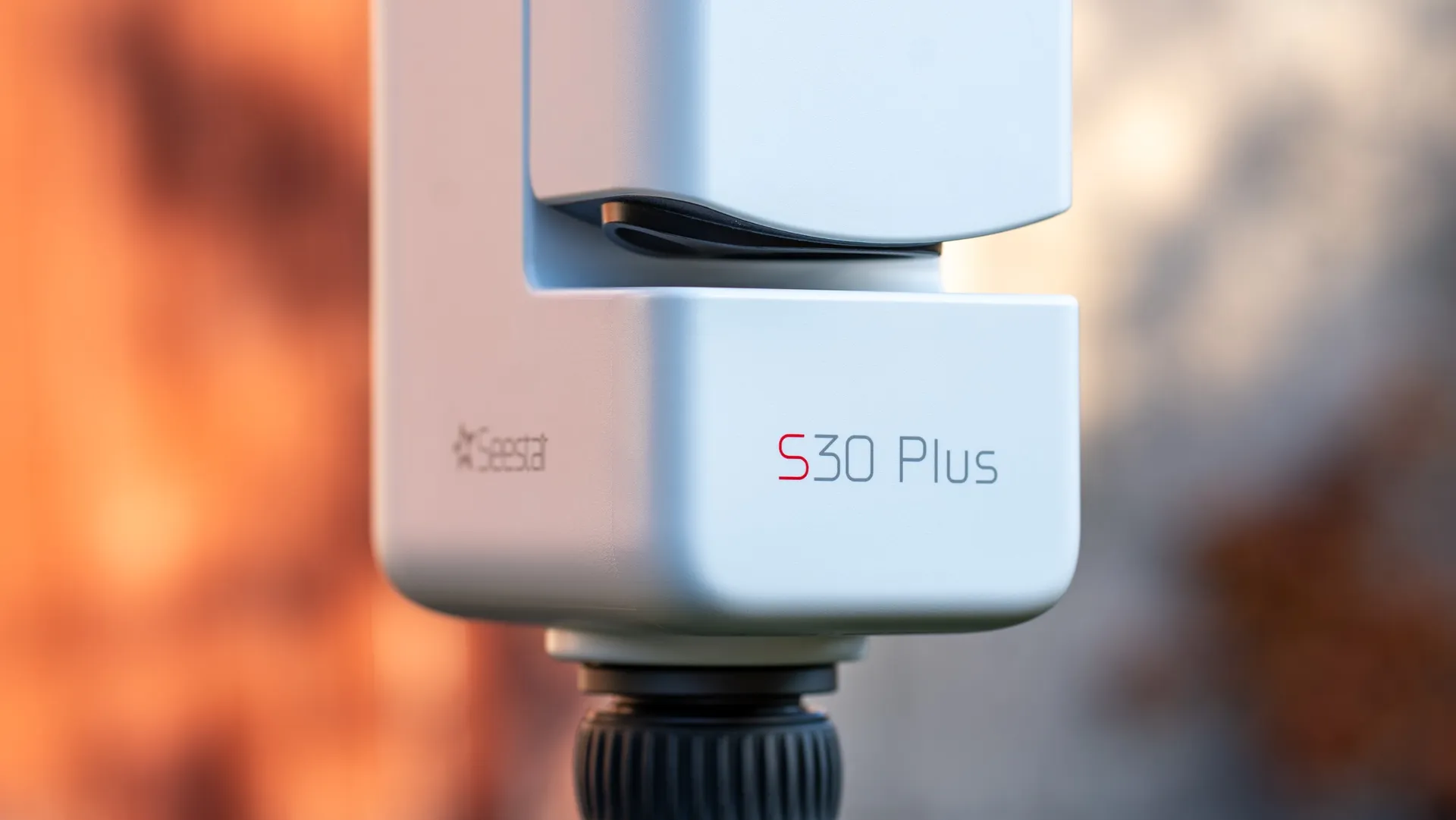
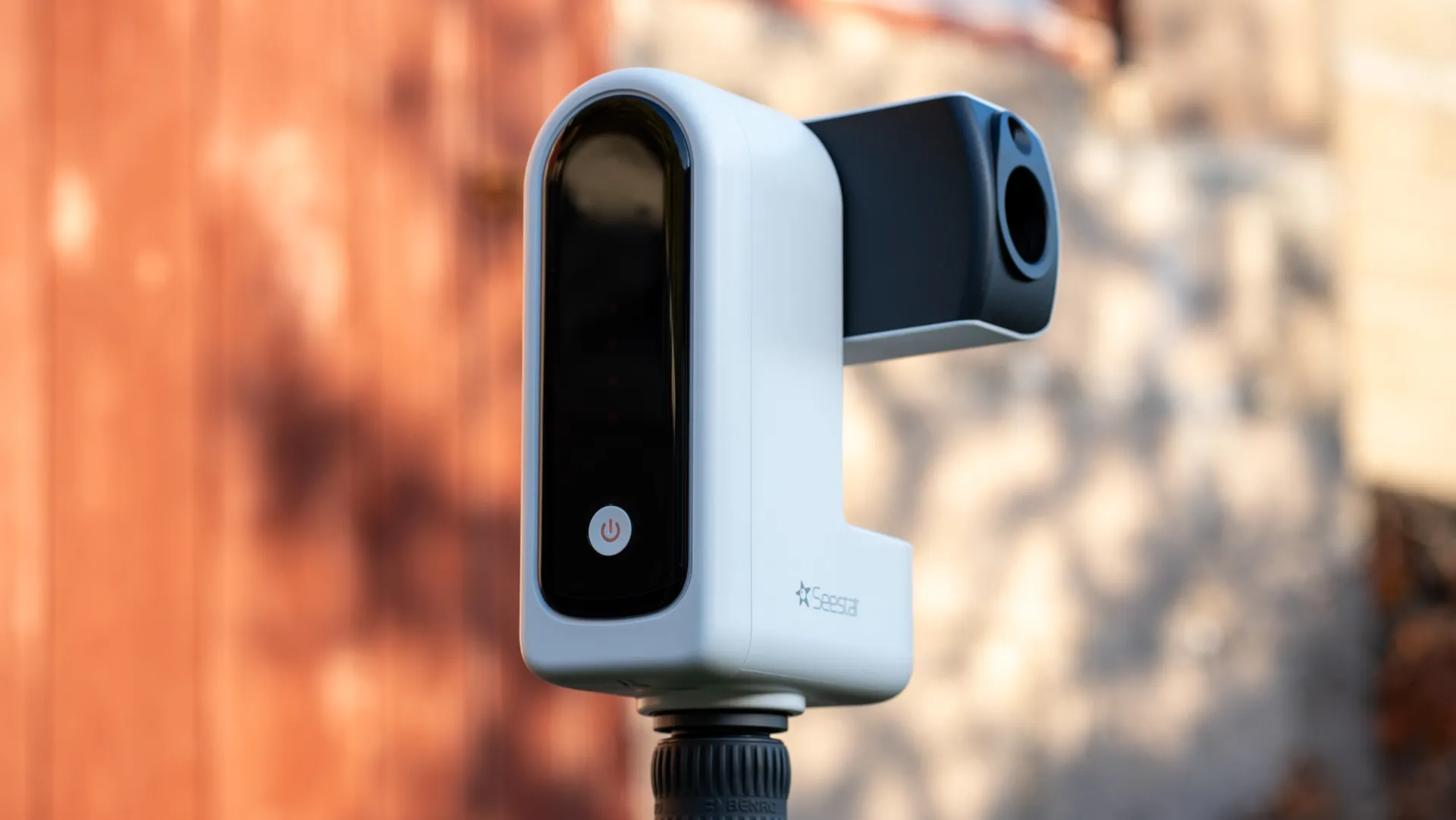
The Seestar S30 Plus is one of the smallest, most compact smart telescopes on the market, weighing just 3.63 pounds (1.65 kg) and measuring 8.3 x 5.5 x 3.2 inches (210 x 140 x 80 mm). Its sleek, matte white design looks identical to the other Seestar models (we compared it to our S30 Pro), except for the branding on the unit itself.
It comes in a padded soft carry case and includes a small tripod (although we always prefer to use our own), a solar filter, a 40-inch (1 meter) USB-A to USB-C charging cable, a removable shoulder strap for the carry case, and a quick-start guide. With its accessories and case, the whole setup weighs 4.89 pounds (2.22 kg).
On the unit itself, you’ll find just one button, which powers it on, plus the USB-C port on the side. Super simple, although we’d have liked the USB-C port to be covered to prevent moisture or dust from getting in.
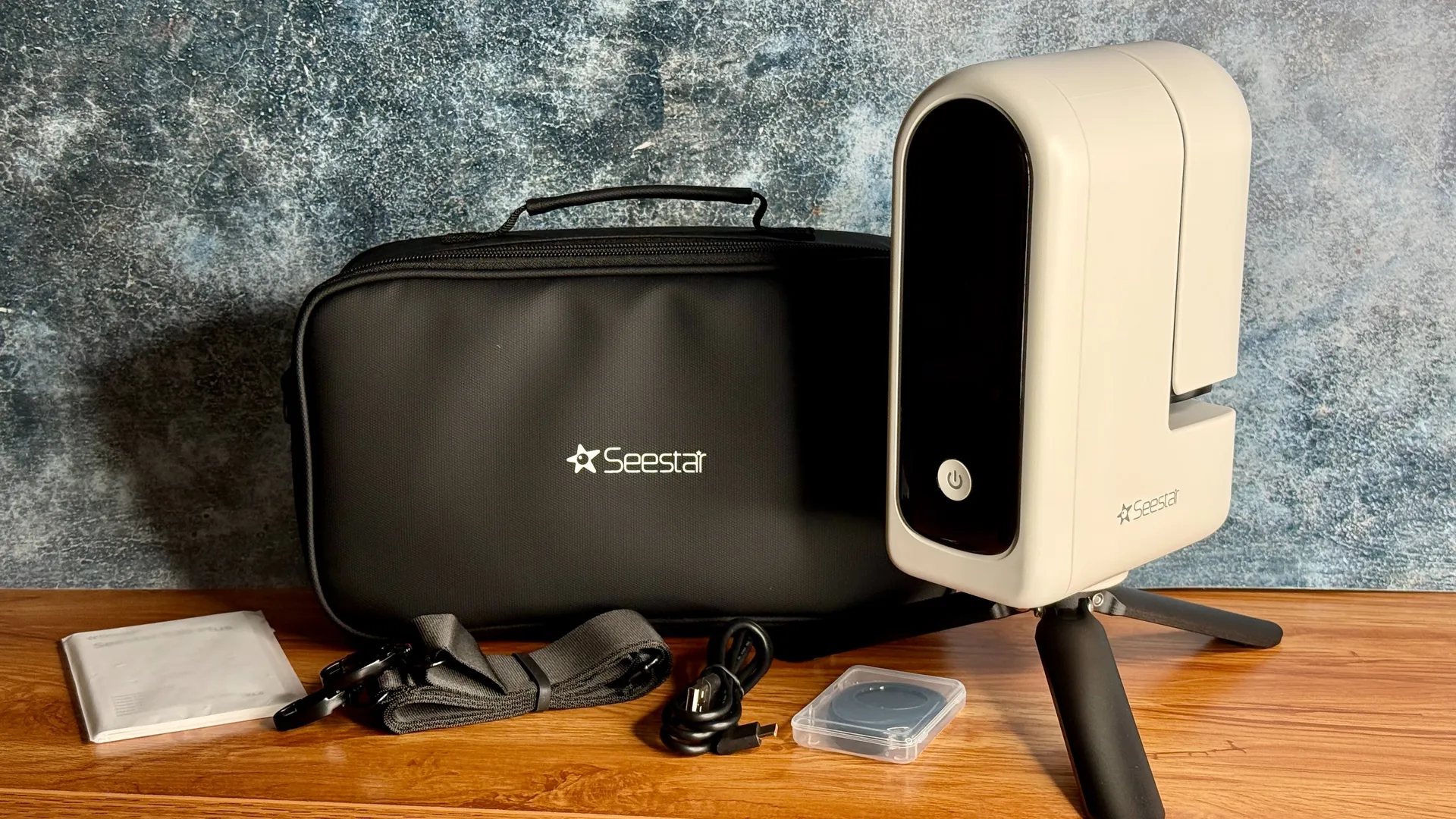
It comes with a carry case, strap, USB-C cable and solar filter.
(Image credit: Kimberley Lane)
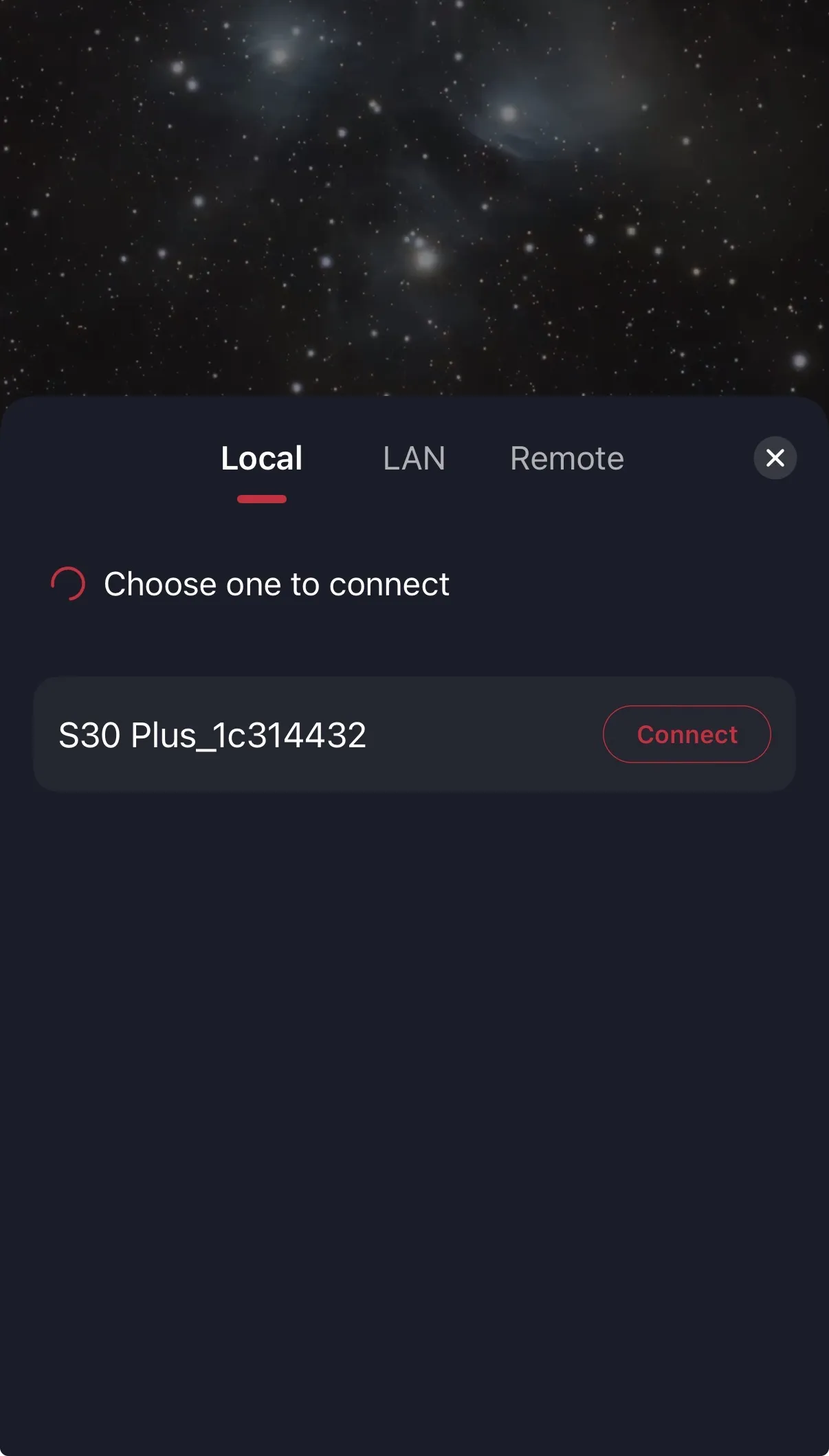
The set-up process couldn’t be easier. When you turn the telescope on, you’ll hear a double beep and see the power button light up alongside the red dots on the black screen to indicate the battery level. Four dots mean the battery is full. The telescope will tell you when it’s ready to connect, at which point you can sync it up to the app on your smartphone or tablet. To turn it off, you just select “Shutdown” in the app, which closes the arm and turns the unit off.
It also features an anti-dew heater, which we’ve found works quite well in mild to moderate humidity. On a couple of our shoots, we noticed a tiny bit of condensation forming on the unit when the humidity was higher, so we wouldn’t feel confident leaving it unsupervised for long periods on a particularly dewy evening. (We used the Clear Outside app to monitor the humidity levels.)
The Seestar App
- User-friendly and easy to navigate
- A good amount of image editing controls, but we’d like a few more
- Educational and shows what’s in the sky for your time and location
The Seestar App is user-friendly and easy to navigate, with just the right amount of controls: you have plenty of options to choose from but it doesn’t become overwhelming. The main Seestar page is where you’ll likely spend most of your time, as this is where you can search for celestial objects to shoot, access your album, plan a shoot and read up on what objects Seestar recommends based on your time and location.
The Stargazing section is where you can select or search for the subject you want to shoot. You can use the search function to find a specific target or browse Tonight’s Best, and you can also search through different types of subjects like galaxies, nebulas, clusters and more. From here, you can also select planets, track comets and photograph constellations using the wide camera.
Click on a subject and the app will display information about it, including its current altitude and coordinates, which help determine what time is best to shoot that particular object. It automatically applies the appropriate filters and settings, but you can override these if you want to.
(Image credit: ZWO)

There’s very little to complain about when it comes to using the app. It has lots of information for beginners, so you don’t need a ton of knowledge about the night sky, and everything is fairly self-explanatory. There were a couple of occasions when it failed to calibrate itself (for example, when we tried to locate the Pleiades, which had just risen above a tree), and other times when we chose a new target and it slewed the long way round instead of only having to move slightly. But otherwise, the app worked well.
The AI Enhance section has some good editing tools to bring out the best from your photos. You can reduce the stars, adjust the brightness, contrast, saturation and RGB curves, apply denoise and eliminate any satellite trails — although we’d love a dehaze slider to bring out some of the fainter nebulosity of certain objects. The sliders could do with being a little more responsive, especially the RGB curves, but overall, it does a pretty good job of editing your pictures to get a pleasing result.
Astrophotography
- 160mm focal length perfectly suits larger apparent subjects
- Built-in filters to bring out colors
- Modest image resolution, but still pretty good
We had about 10 days to test our review unit before its release, so we could only capture as much as the weather permitted in that time. We’ll add more images to this review over the coming weeks. All our tests were conducted from our backyard in a Bortle 4 region, and captured before moonrise to eliminate as much light pollution as possible. Due to these time constraints, we aimed to capture our images for a total of 60 minutes each, although we’d have ideally aimed for longer in some cases.
Now for the fun part — the images. The Seestar S30 Plus has a focal length of 160mm, which is advantageous for capturing large subjects like the Andromeda Galaxy, the North America Nebula and the Pleiades. Large emission nebulas are where it really shines; however, the focal length is too short to capture smaller apparent objects.
For this review, we aimed to capture as many different types of objects as possible. All our images were edited in the Seestar app with, in some cases, a few minor tweaks in Lightroom. You also have the option to download the individual files to your computer to process them yourself in dedicated astrophotography software, which is advantageous if you’re a more experienced user.
Star clusters
Everyone’s favorite star cluster, the Pleiades, was one of the first targets we wanted to capture. We could see the faint blue nebulosity after as little as 15 minutes of integration time, and it only improved over time. After 60 minutes, we had a really nice image and could easily bring out the blue haze via the editing tools in the app. However, we got a much more impressive result after tweaking our image a little further in Lightroom, bringing out even more haze and reflective dust.
Galaxies
The Andromeda Galaxy is a perfect target for the Seestar S30 Plus. It takes up a large portion of the frame, and with long integration times, it can reveal beautiful details in the faint outer arms. We shot for around an hour in our tests due to weather and time constraints, but we still got an impressive image. As we approached 60 minutes, there was a lot of cloud cover, and we noticed it struggling to stack images toward the end of the session, so we stopped the integration at 57 minutes.
Andromeda is certainly going to be the most impressive galaxy for the Seestar visually, as most others will appear smaller in the frame and will need longer integration, so make sure you have a clear, dark night for it.
Large emission nebula
(Image credit: App: ZWO Seestar, Image: Kimberley Lane/Future)


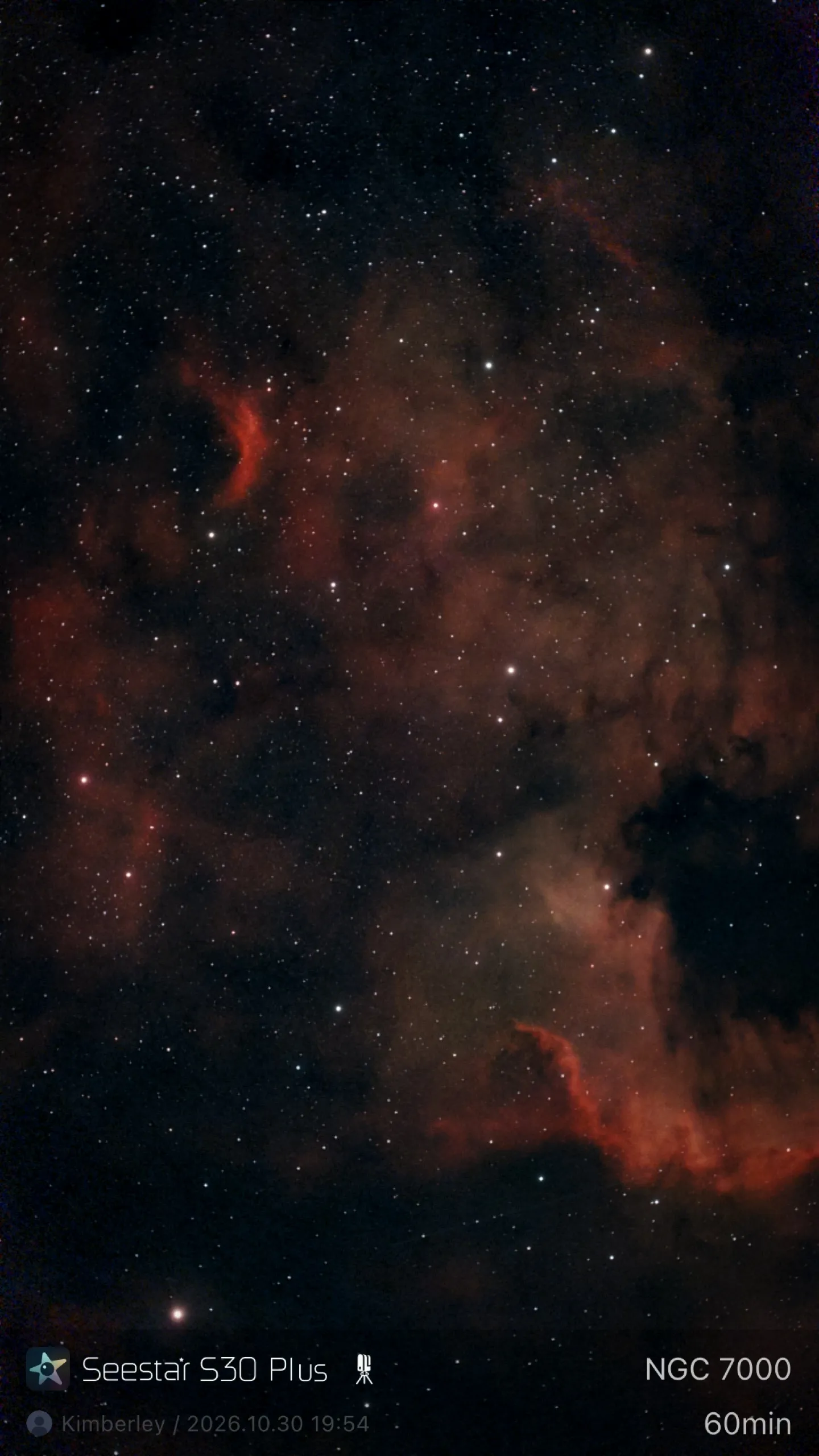
Large emission nebulas are where the Seestar S30 Plus thrives, and the North America Nebula is a great target. It covers the whole field of view, and the red hydrogen gas easily comes to the forefront of the image.
(Image credit: App: ZWO Seestar, Image: Kimberley Lane/Future)


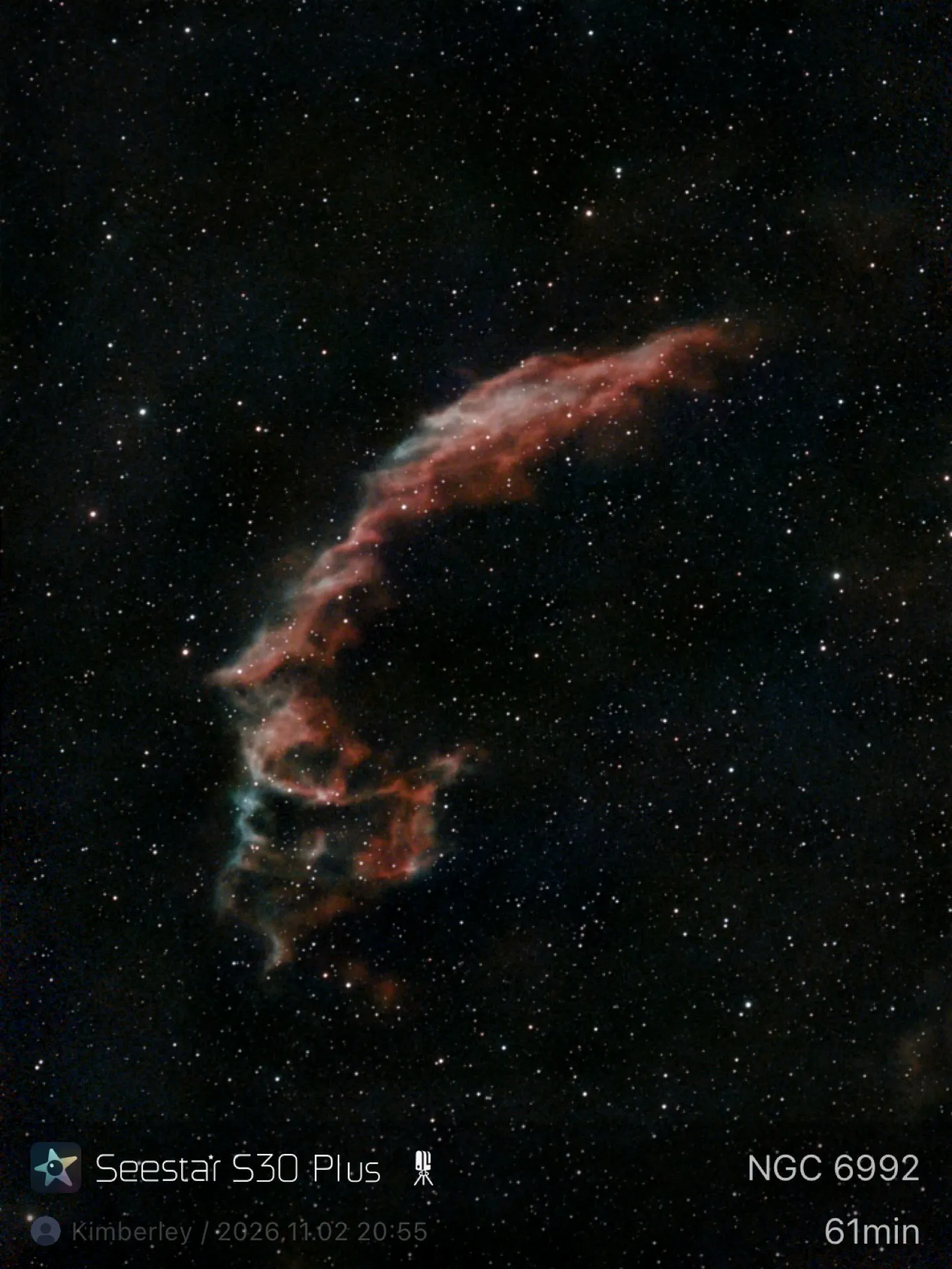
The Eastern Veil Nebula is another lovely target where you can bring out the beautiful red and turquoise hues in as little as 15 minutes, but longer integration times will yield brighter, more colorful results.
Planetary nebula
(Image credit: App: ZWO Seestar, Image: Kimberley Lane/Future)


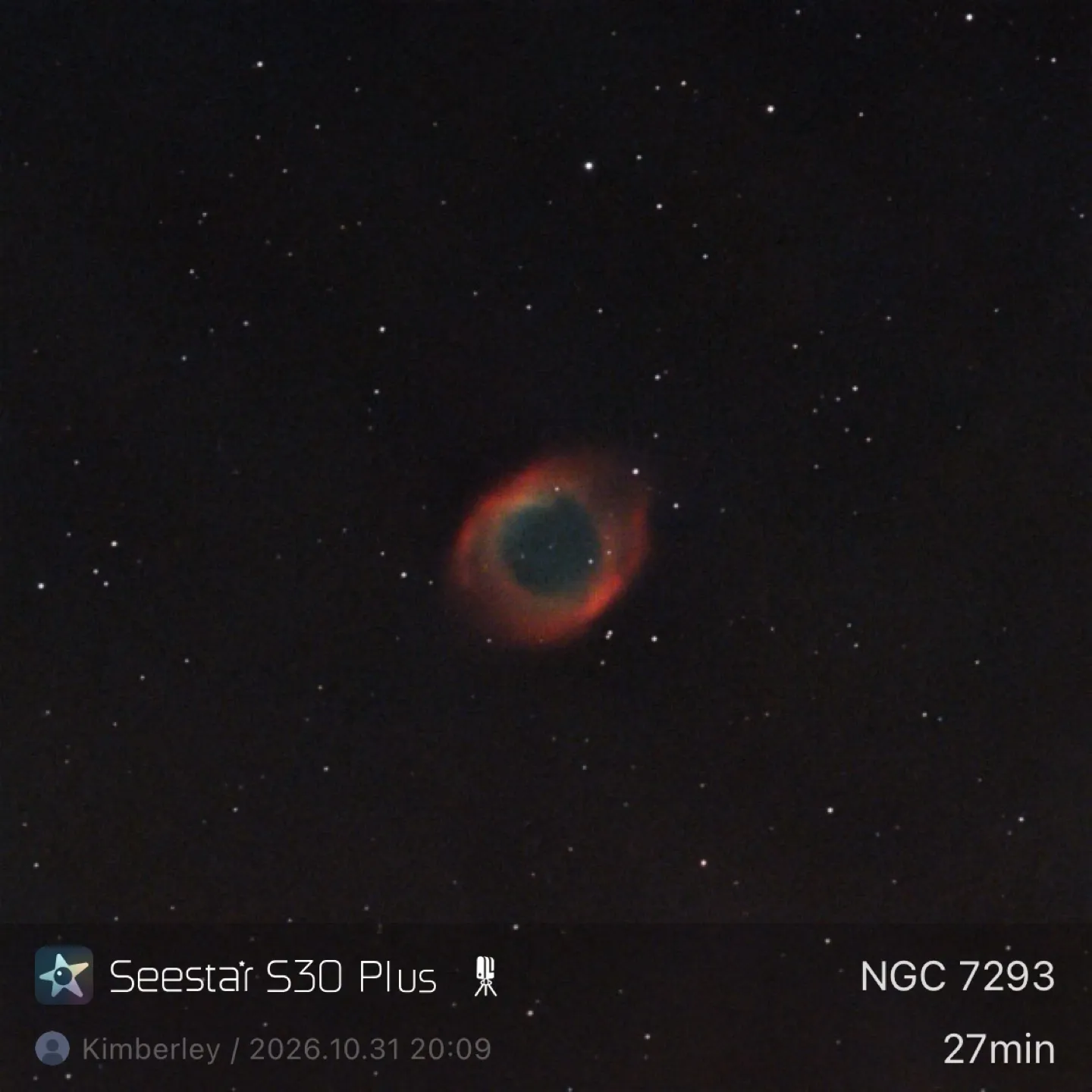
Planetary nebulas are where you will see the limitations of the Seestar’s 160mm focal length. Most planetary nebulas have a very small apparent size — we’ve previously captured the Dumbbell Nebula and Cocoon Nebula with our S30 Pro, and they were a tiny dot in the middle of the screen. We tried the Helix Nebula, and even though it’s one of the largest apparent planetary nebulas, it’s still fairly small on the Seestar S30 Plus. You can still get a decent image of it, but if you want to focus on imaging planetary nebulas, you’ll need a bigger scope. Because it was very low in the sky and there was some interfering cloud, we stopped integration at 27 minutes.
Should you buy the Seestar S30 Plus?
(Image credit: Kimberley Lane)


The Seestar S30 Plus is an affordable entry point into deep-sky astrophotography without the confusing settings and expensive setup. It’s ideal for beginners, although more experienced users will likely want to upgrade to the superior image quality and extra features of the S30 Pro.
Still, for under $500, we can’t complain. Not only is the Seestar S30 Plus easy to navigate and use, but it teaches you about space in a fun and interactive way, and you don’t need to spend hours stacking individual frames on your computer to process — although you still can do that if you want more control over your editing.
If the Seestar S30 Plus isn’t for you
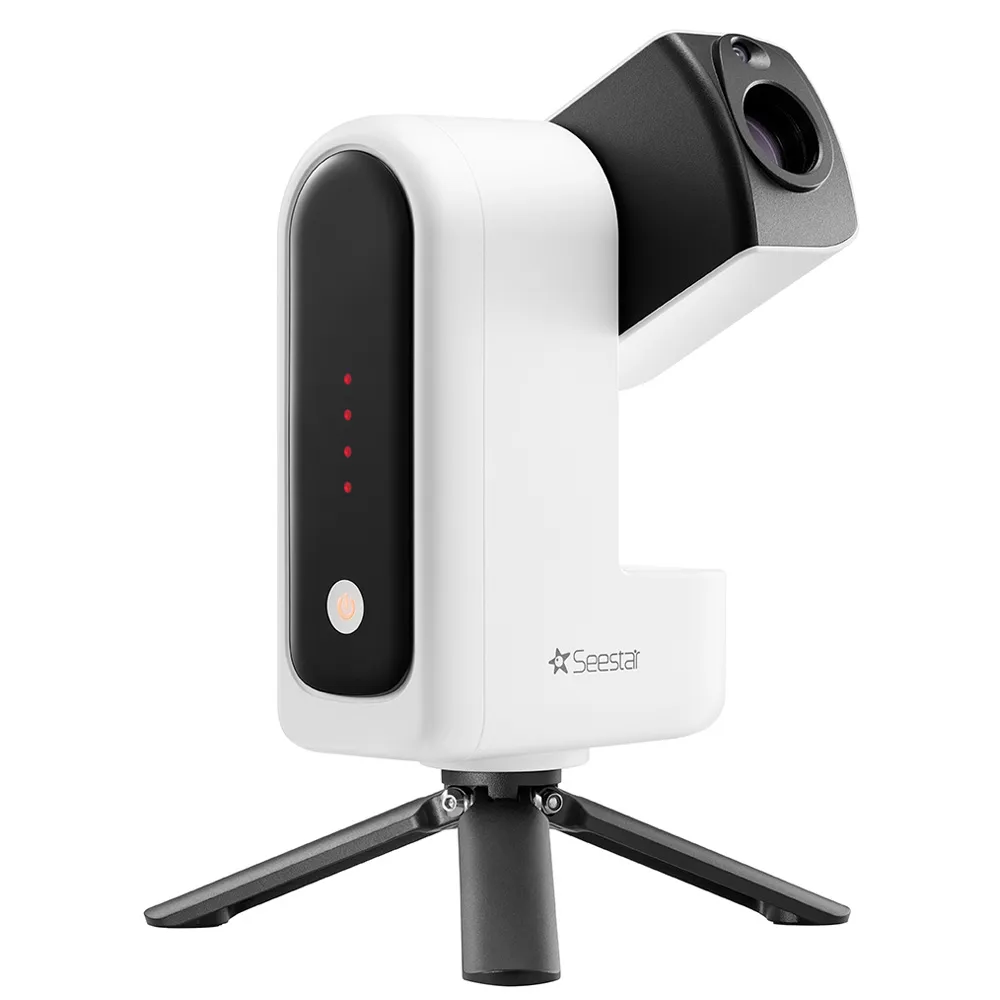
If you can stretch your budget, the S30 Pro is a worthy upgrade. It produces 4K images and offers more pro-level features.
Read our full Seestar S30 Pro review
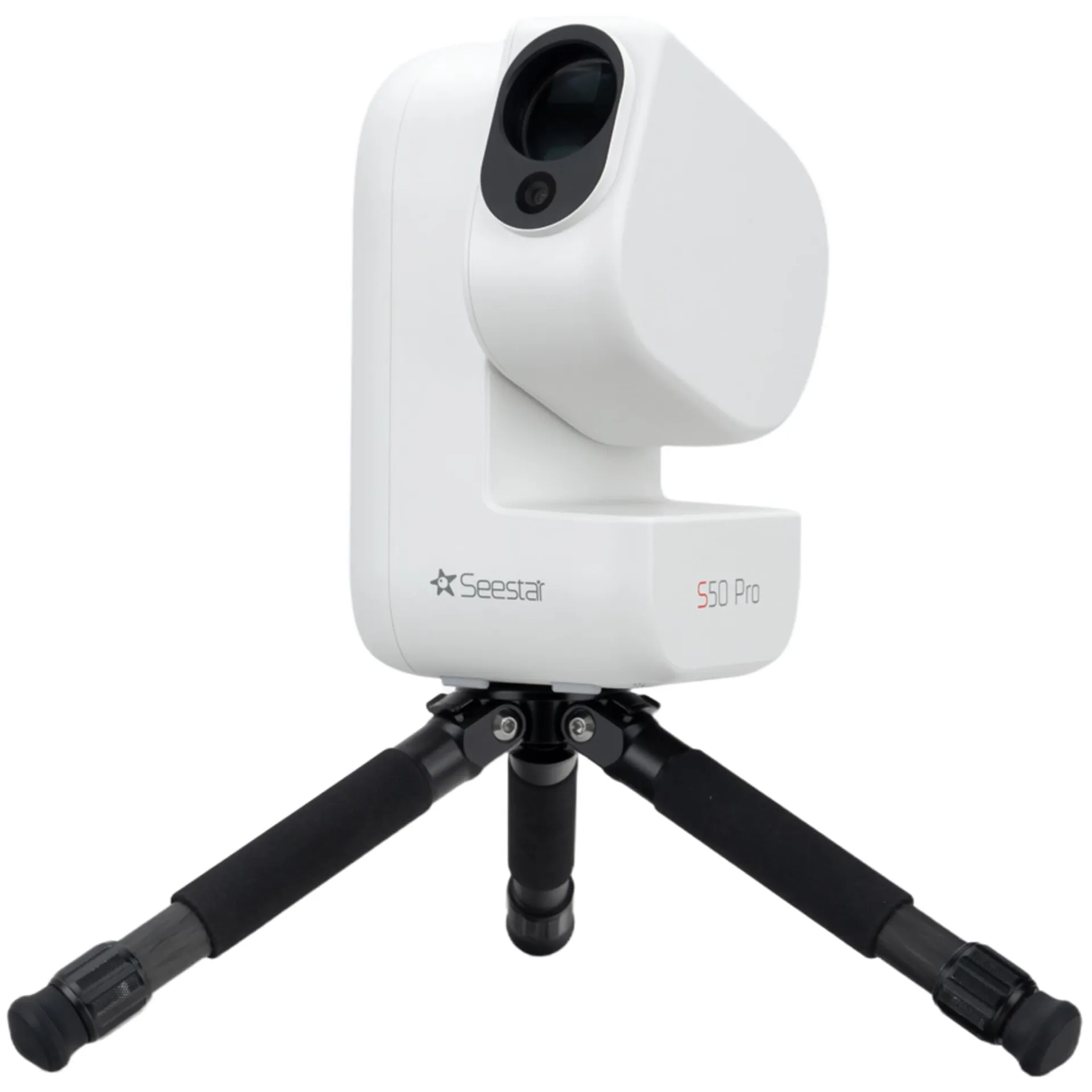
To see deeper into space, the Seestar S50 Pro has a longer focal length of 260mm and a larger 50mm aperture, making it better for smaller apparent objects.
Read our full Seestar S50 Pro review
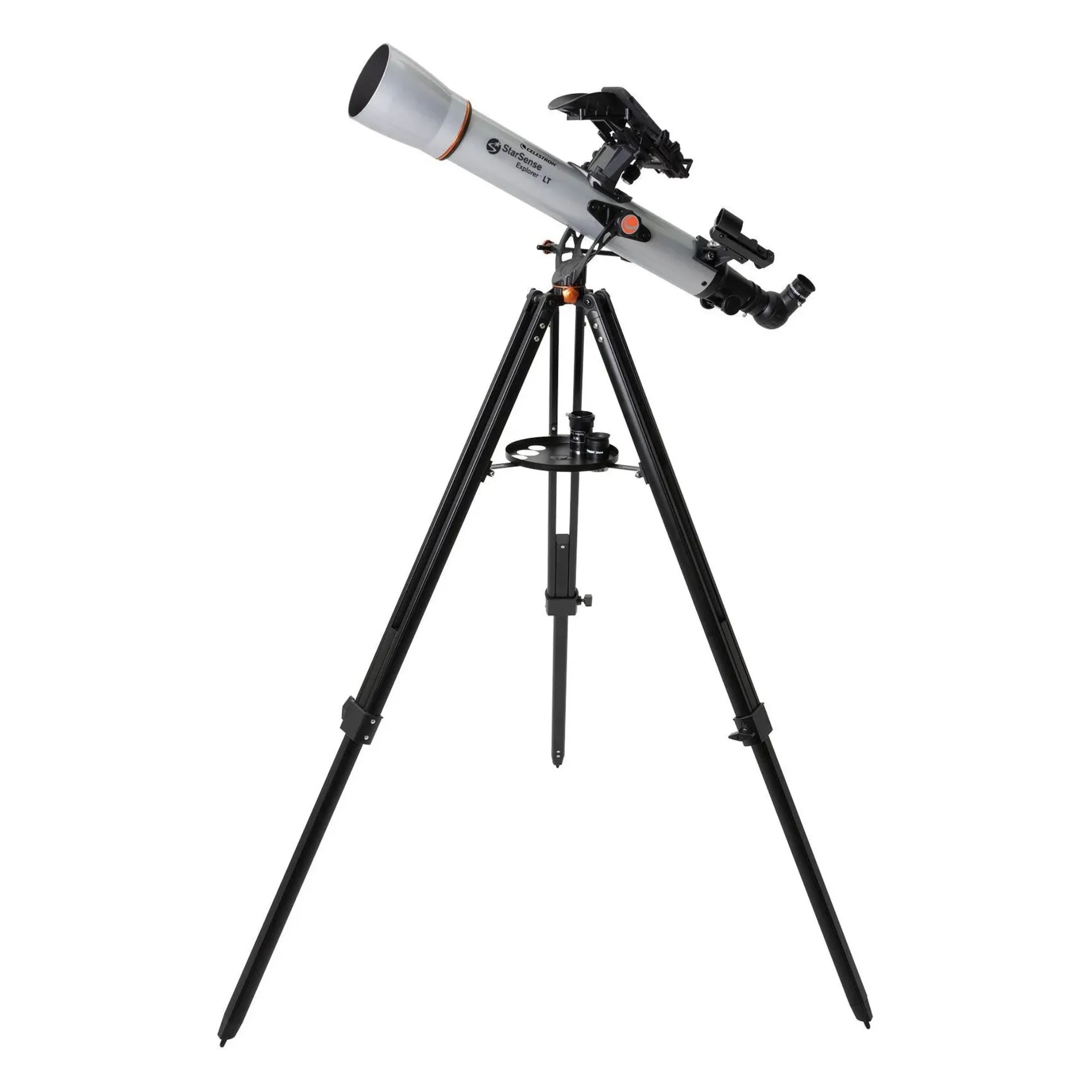
Celestron StarSense Explorer LT 70AZ
If the imaging aspect doesn’t interest you, the Celestron StarSense Explorer range of telescopes connects to your phone to guide you around the sky, but you observe the cosmos through an eyepiece instead of capturing it on your phone.
Read our full Celestron StarSense Explorer LT 70AZ review